Crafting orbs, a merchant, and a hideout that became a town
The owner asked for loot-game crafting (“invent something, we’ll improve it tomorrow”), a merchant, disenchanting into materials and forging a piece with a chosen stat. The next day the hideout stopped being a room. Design lives in crafting and hideout.
Nine orbs, a trader and a forge
The first pass was nine original orbs that each map onto a classic crafting action: Kindling Shard (transmute-like), Flux (reroll), Graft (add a modifier), Crown (magic to rare), Tempest (reroll a rare), Ascendant (add to a rare), Sundering (remove), Ash (strip) and Tuning (reroll values). They drop from monsters and bosses as wallet counters, not grid items, so they don’t fight you for inventory space.
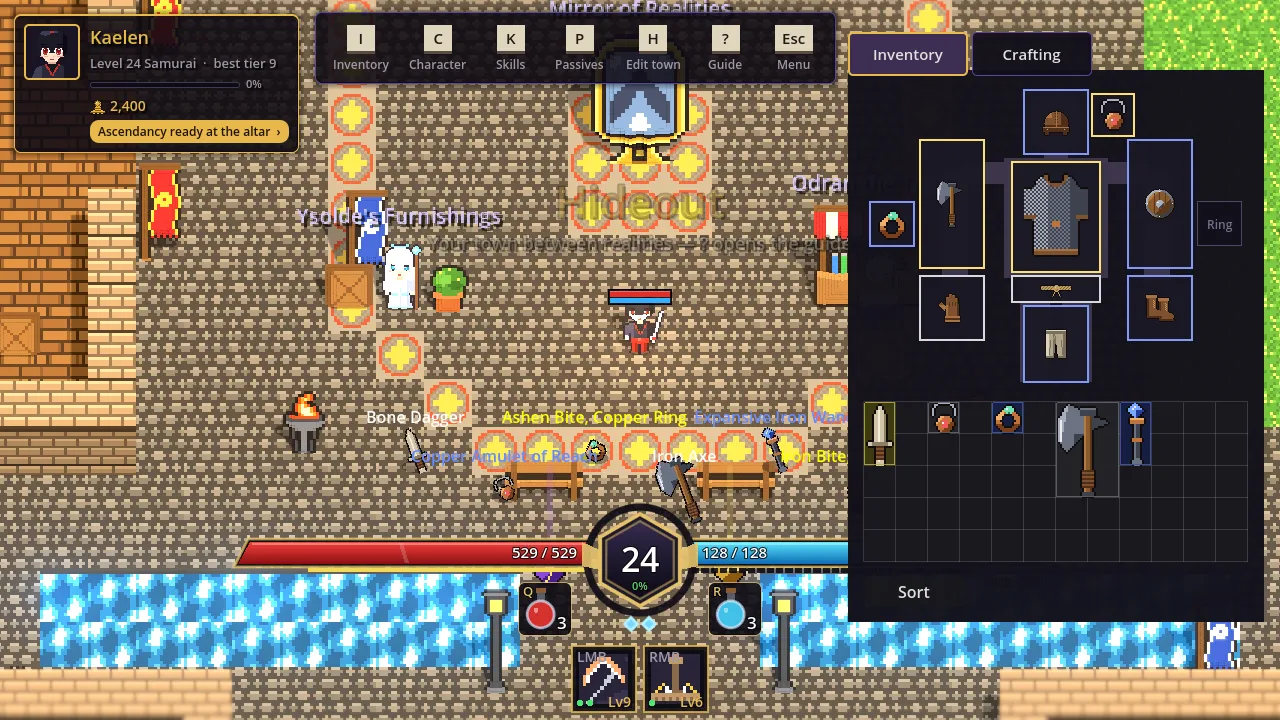
The hideout gained Odran the Trader: right-click to sell, a buyback shelf so misclicks are free, and cheap shards for gold. And the Artificer’s Bench: pick up an orb and click an item (Shift keeps it in hand, valid targets light up), disenchant gear into grey, azure, gilded or prismatic dust, or forge a new item from a base and a modifier of your choice. The chosen modifier is marked crafted, and better dust buys a better tier and a rare result.
The tooltip was reorganised: no tiers by default, Alt shows tier, pool and range in small dim text, and the comparison with your gear moved into its own panel. The panel got an opaque background after the first capture showed the merchant’s title showing through the translucent one. That capture also caught a tooltip outliving its grid when the bench switched tabs.
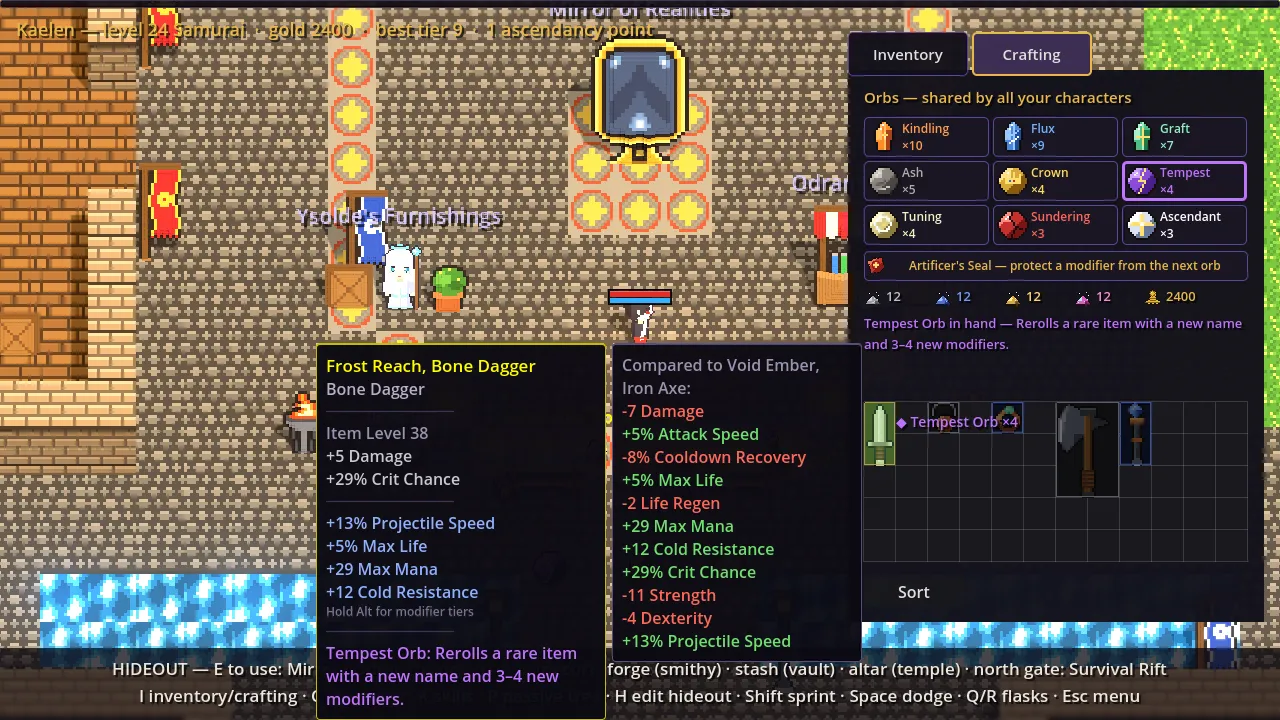
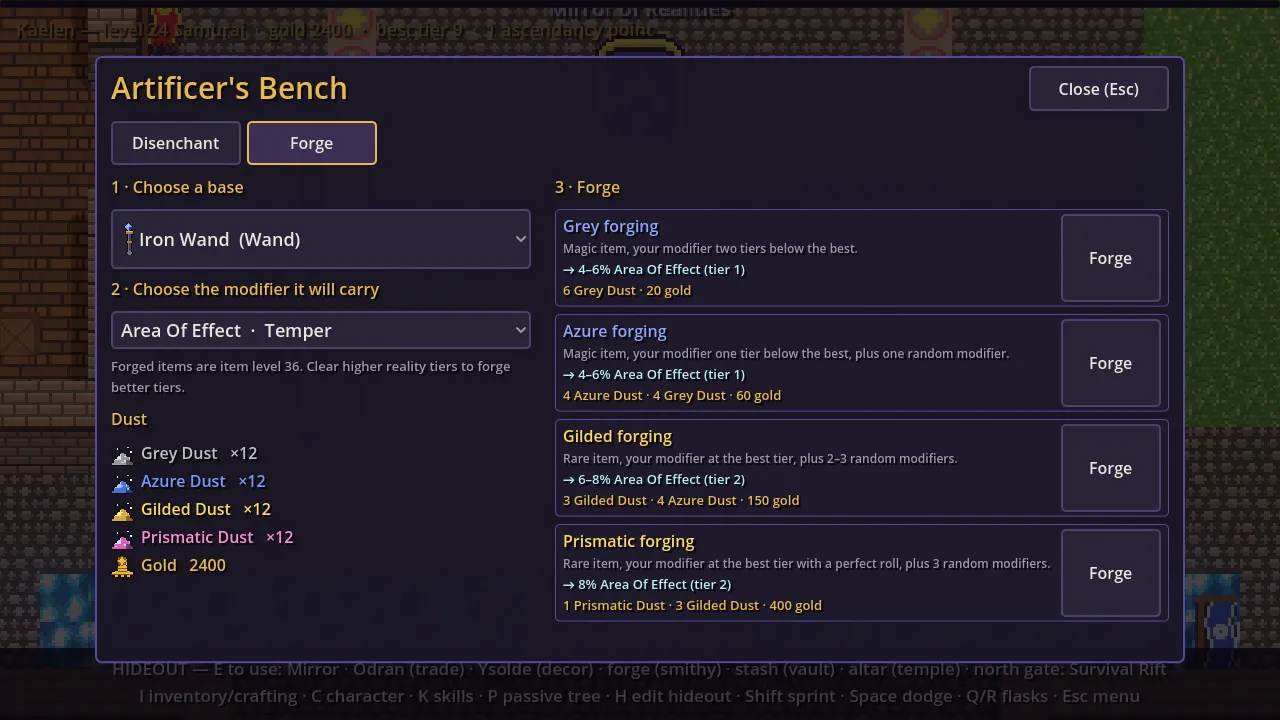
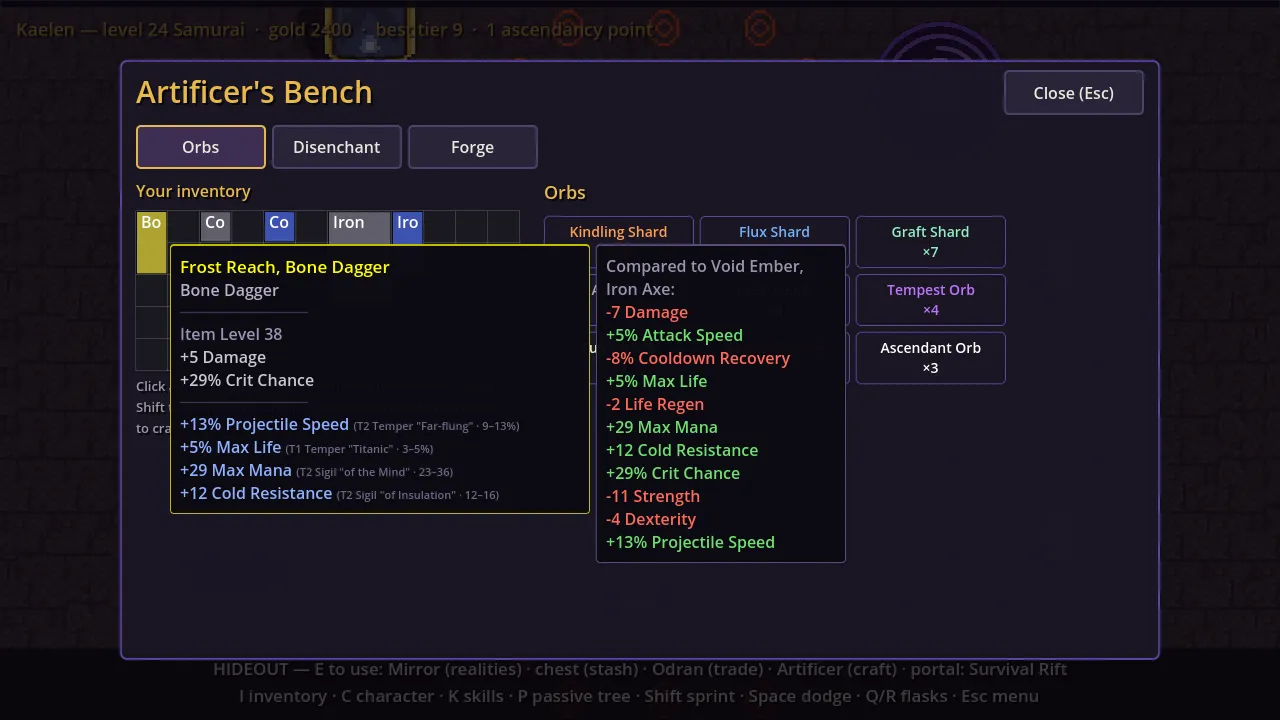
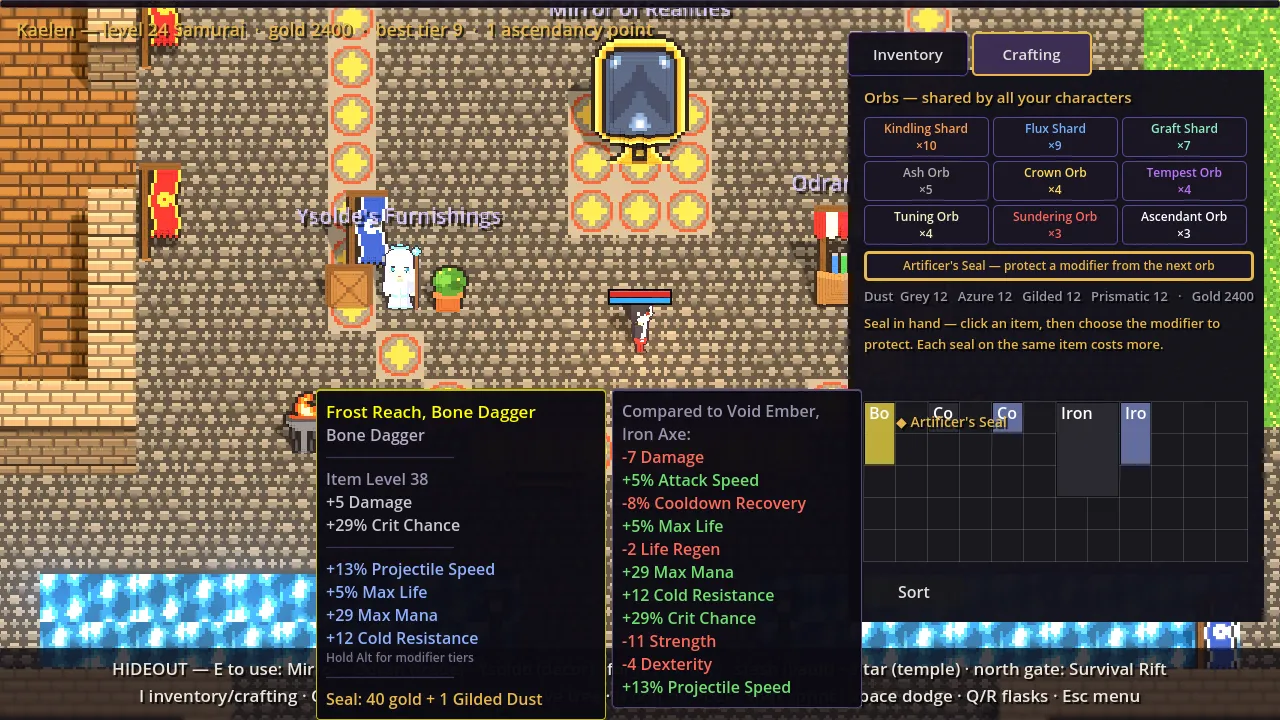
Later that day orbs moved into a Crafting tab of the inventory (I), and the owner’s idea of “lock one modifier, more expensive every time on the same item” became the Artificer’s Seal: it protects one modifier from the next orb and then breaks, for 40 gold doubling per seal on that item, plus dust.
Items finally look like items
Items were still coloured boxes with a name. Every base now has a pixel-art icon drawn at 16 px per inventory cell, so an axe fills its 2x3 footprint at 2x scale. Crafting currencies got 16x16 icons too. The first capture showed grid icons at 1x: the cell rect is shrunk by a pixel for the border, which floored the 2x scale to 1x. A test now fails if a new base comes without art.
A city instead of an empty room
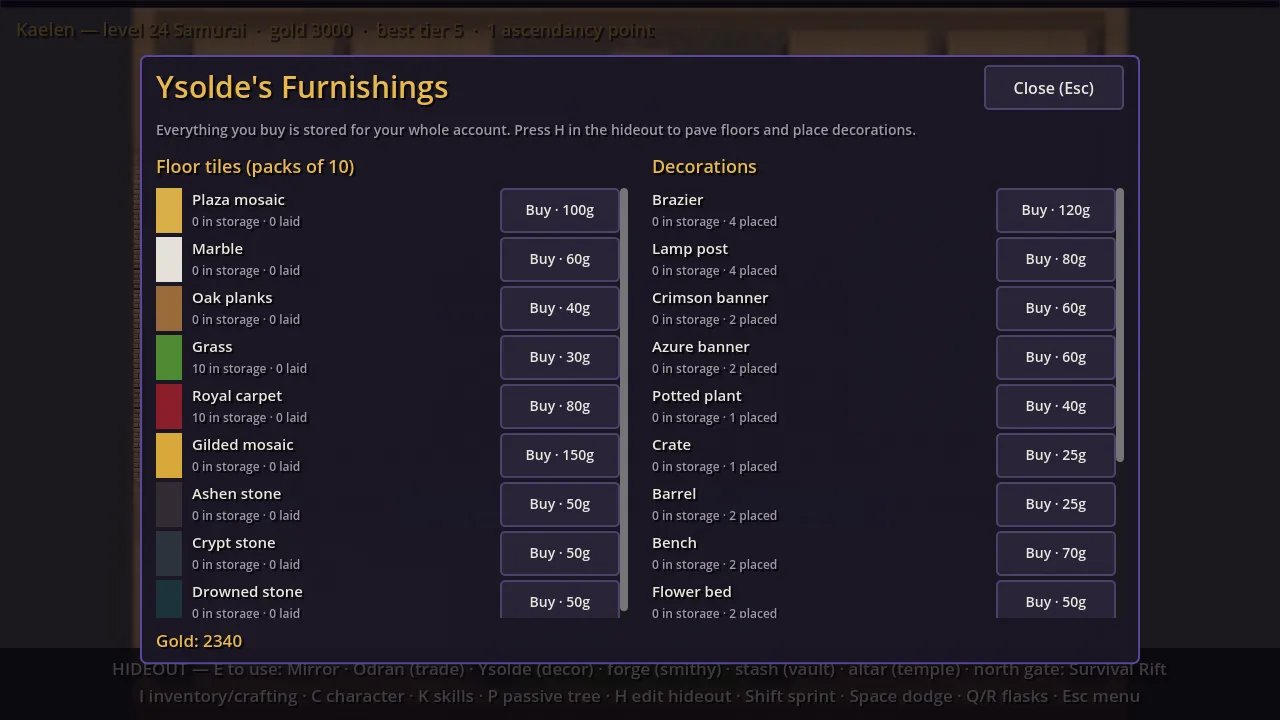
The owner wanted a city: the Mirror and the merchant on a central plaza, the forge in a smithy, an edit mode to move things around and a shop for floor tiles and decorations. The hideout is now a walled 50x36-cell town drawn as a text map: a mosaic plaza with the Mirror, Odran’s stall and Ysolde’s Furnishings; a smithy; a training yard; the Survival Rift at the north gate; and across a canal with three bridges, a marble temple with the altar, a garden with a well and a carpeted vault for the stash. A new tileset and sixteen props all go through the voxel pipeline.
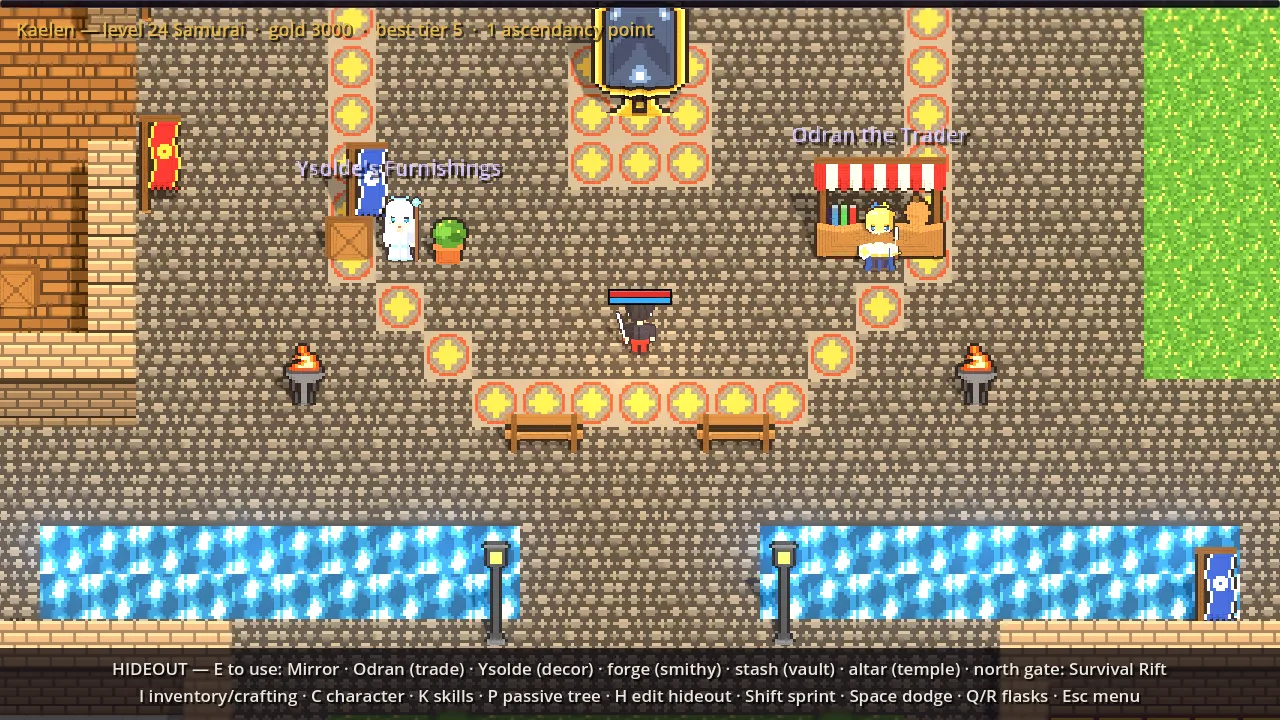
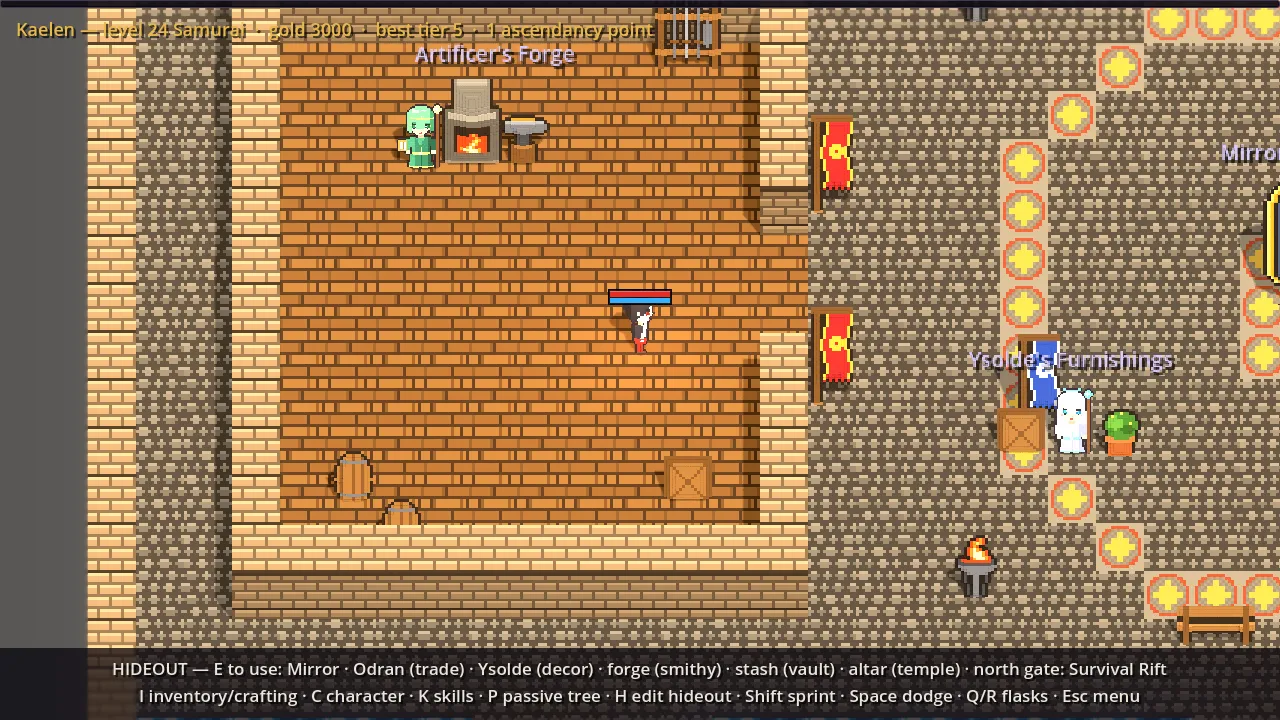
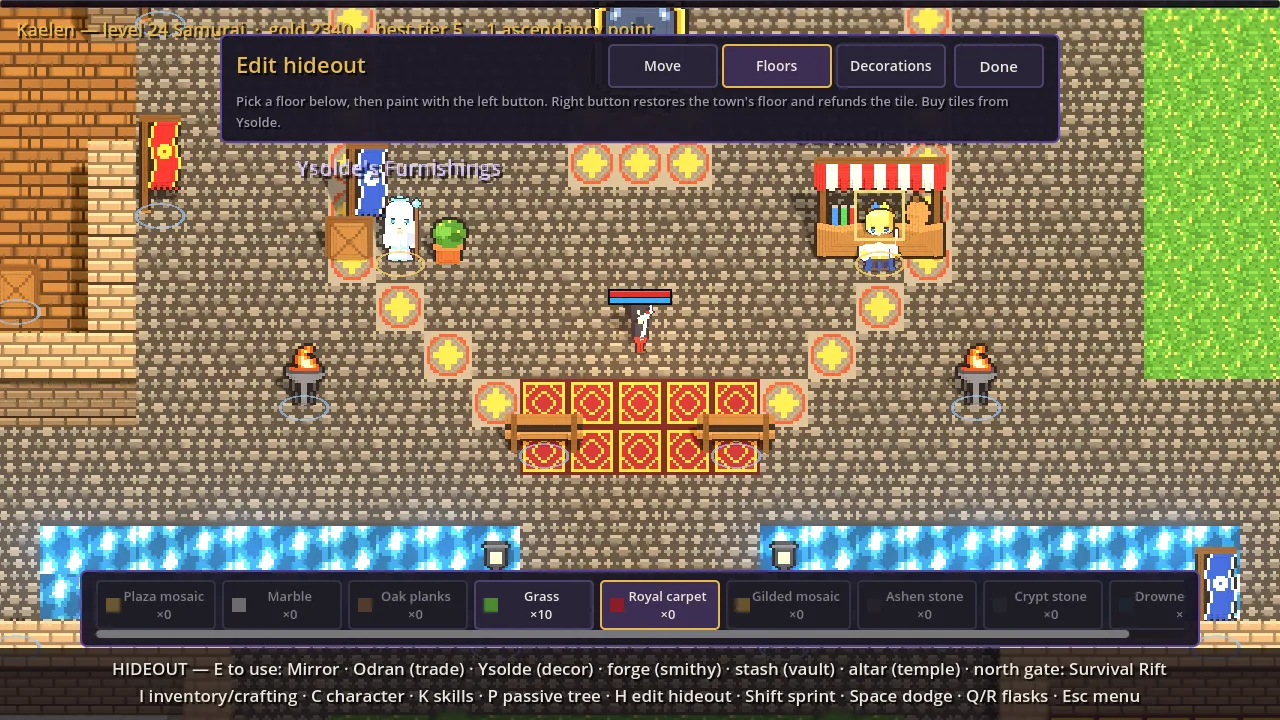
Everything standing in town is a prop the player can drag around in edit mode (H), stations included. Decorations can be stored, bought floor tiles are painted cell by cell (right button refunds), and painted cells rebuild their voxel terrain once painting pauses. The layout, orbs and dust are account-wide. One capture first looked like the edit gizmo wasn’t drawing; it was, under the top bar and too faint, so footprints are bolder now.
A HUD that explains itself
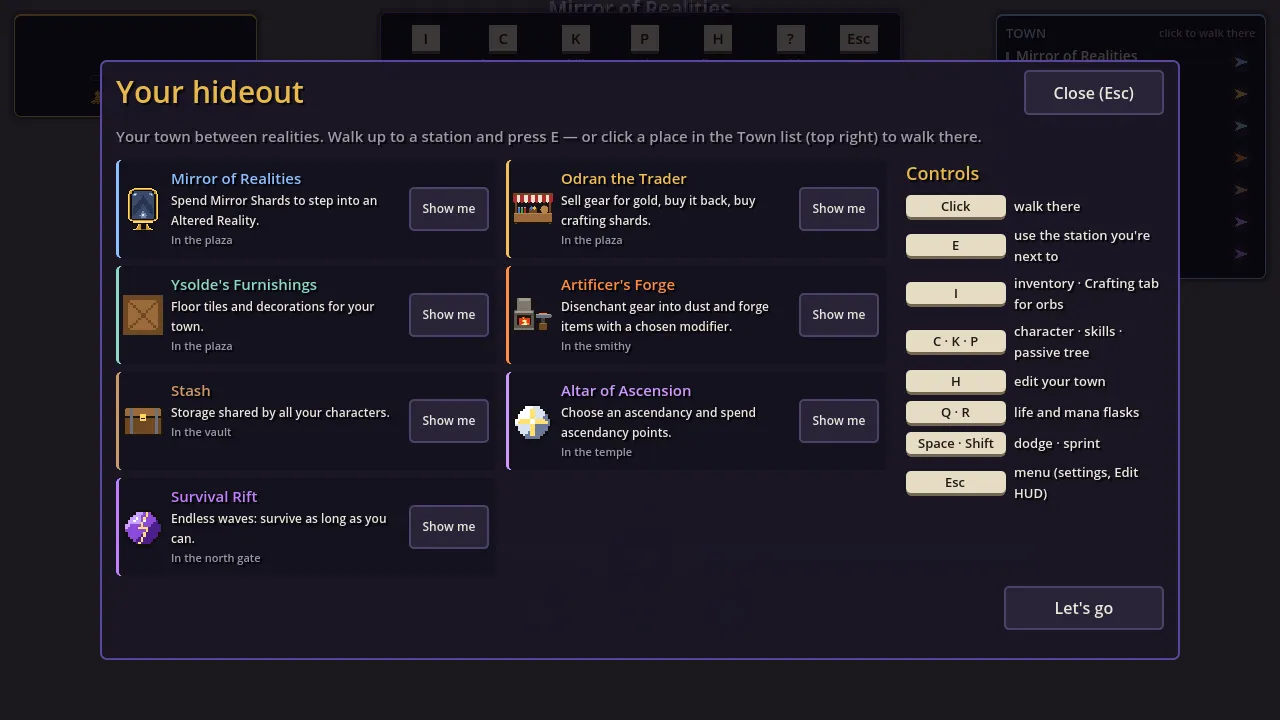
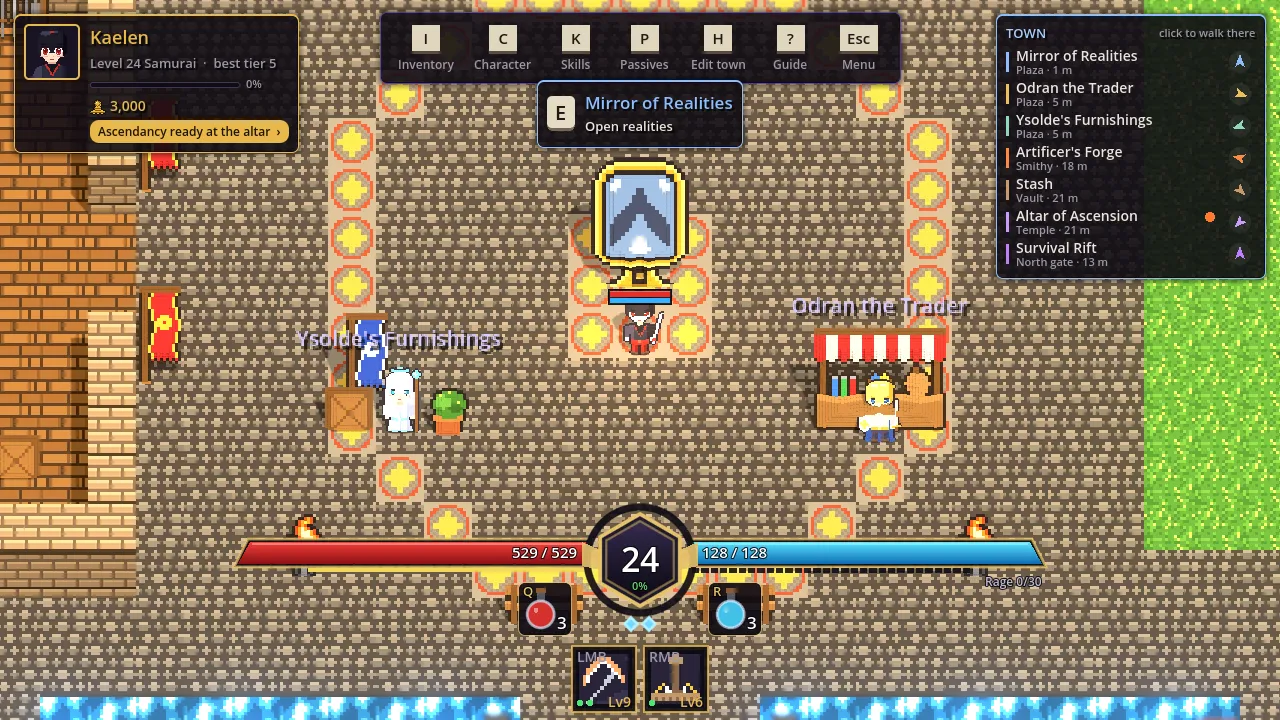
The old hideout explanations were a status line, a two-line wall of key hints and a bare “[E] Mirror”. They became a character plate, a menu bar of key caps that are also buttons, a town directory listing every station with its quarter, distance and an arrow (click to walk there), an E card floating over the station you stand next to, and a first-visit guide with a “Show me” button per station. The inventory also learned manners: it sits above every HUD layer, and panels in its way slide aside or fade. The first slide used a lerp that never quite reached zero, which a test waiting for the panels to return caught; it now moves at constant speed and lands exactly.
One small headless lesson: physics frames outnumber process frames there, so a
HUD updated in _Process needs the test to wait on ProcessFrame.
Finally, Esc, Send feedback opens the project’s GitHub new-issue page with the matching issue form filled in. Creating issues straight from the client was ruled out: it would mean shipping a GitHub token anyone could extract from the build.