Voxels, anime heroes, a launcher and a HUD you can rearrange
After the endgame pivot the owner’s feedback was mostly about how it looks and feels. Twelve hours produced a different-looking game. This is the tour, with the trade-offs.
Voxels without porting the game to 3D
EasyPixel 0.2 exports voxels, and the owner wanted them as the main graphics with an HD-2D look. Porting gameplay to 3D would have been weeks. Instead the 2D simulation stays and a voxel world renders under the canvas. The trick is the camera: orthographic, pitched 40 degrees, with the whole 3D world stretched in depth by 1/sin(pitch), so the ground plane lands exactly where the 2D world was drawn. Every telegraph, label and damage number keeps lining up without touching gameplay code.
A script turns each sprite frame into an inflated voxel figure and each tileset into slabs and brick walls. Monsters burst into cubes of their own colours, heavy hits kick up floor and chip walls, walls dither away in front of the player, and the Forward+ renderer adds shadows, lava lights, glow and tilt-shift blur.
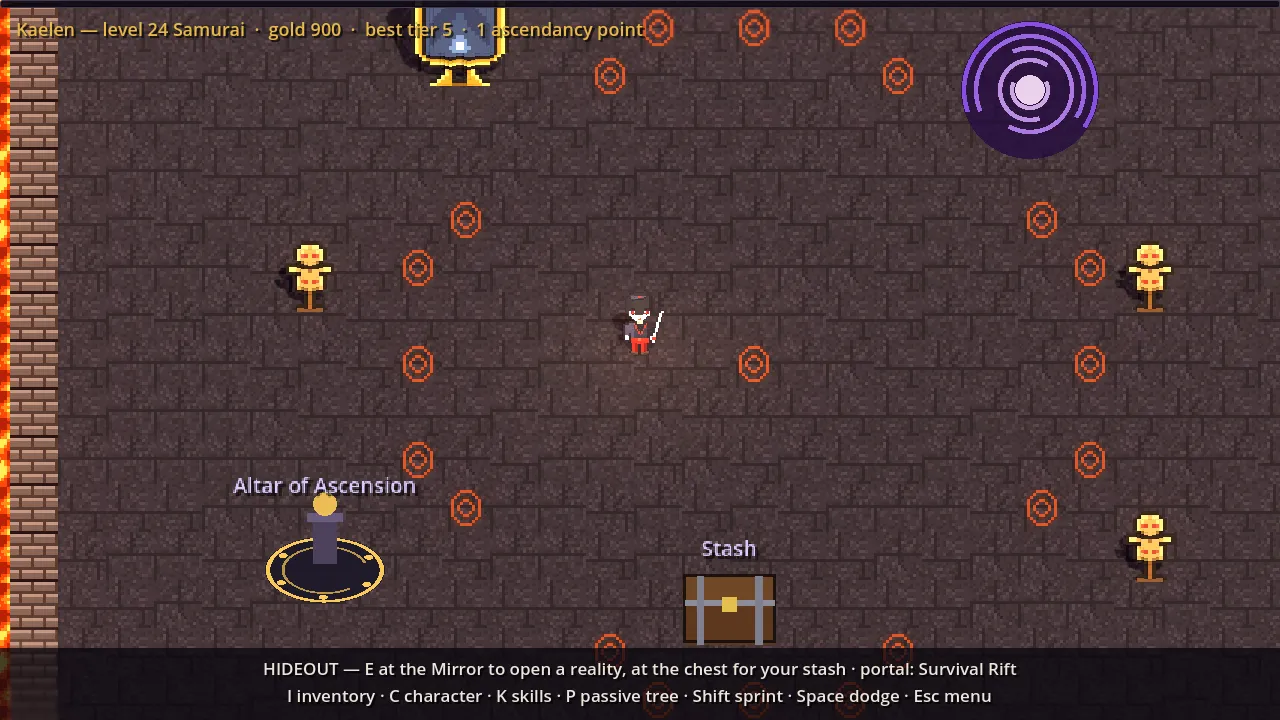
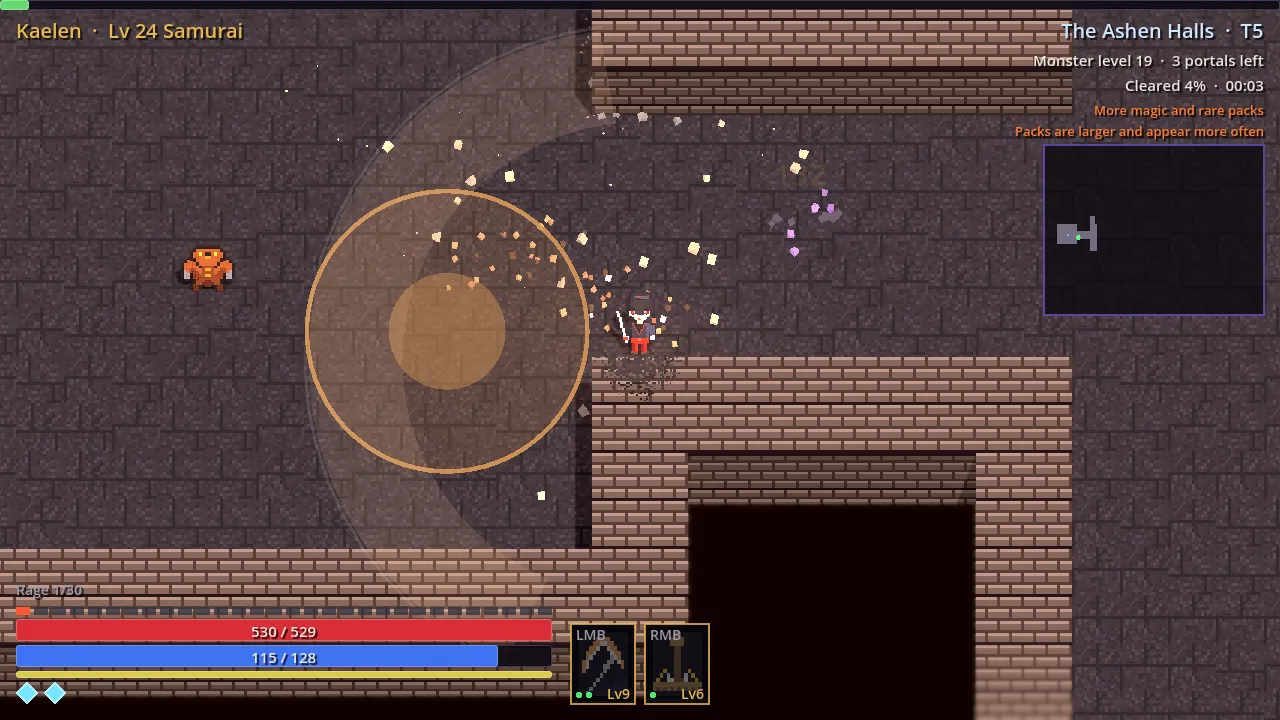
Seeing it in the cloud. Our usual virtual-display captures use the Compatibility renderer, which in Godot 4.1 has no shadows, glow or depth of field, so the first voxel screenshots looked flat for that reason alone. Installing Mesa’s software Vulkan driver and rendering with it shows the real thing, slowly.
Honest limits: pickups, telegraphs and UI stay flat 2D on top, walls only shed chips, and the camera is orthographic rather than a true perspective.
Anime characters at double resolution
The owner found the sprites too small and wanted a Japanese anime look plus portraits. Characters went from 16x24 to 32x48 at half the scale, so nothing in gameplay moved. Drawing at that size row by row would be miserable, so a tiny painter paints shapes and an outline pass, and one parametric chibi produces all eleven classes and ascendancies from a “look” (hair, armour, weapon, palette). The same look paints a 64x64 bust for character select. The first portraits hid the eyes under the bangs; the fix was to draw the face after the hair. Upright voxel figures also cancel the stage’s depth stretch and lean back 30 degrees, so the camera stops seeing mostly the tops of heads.

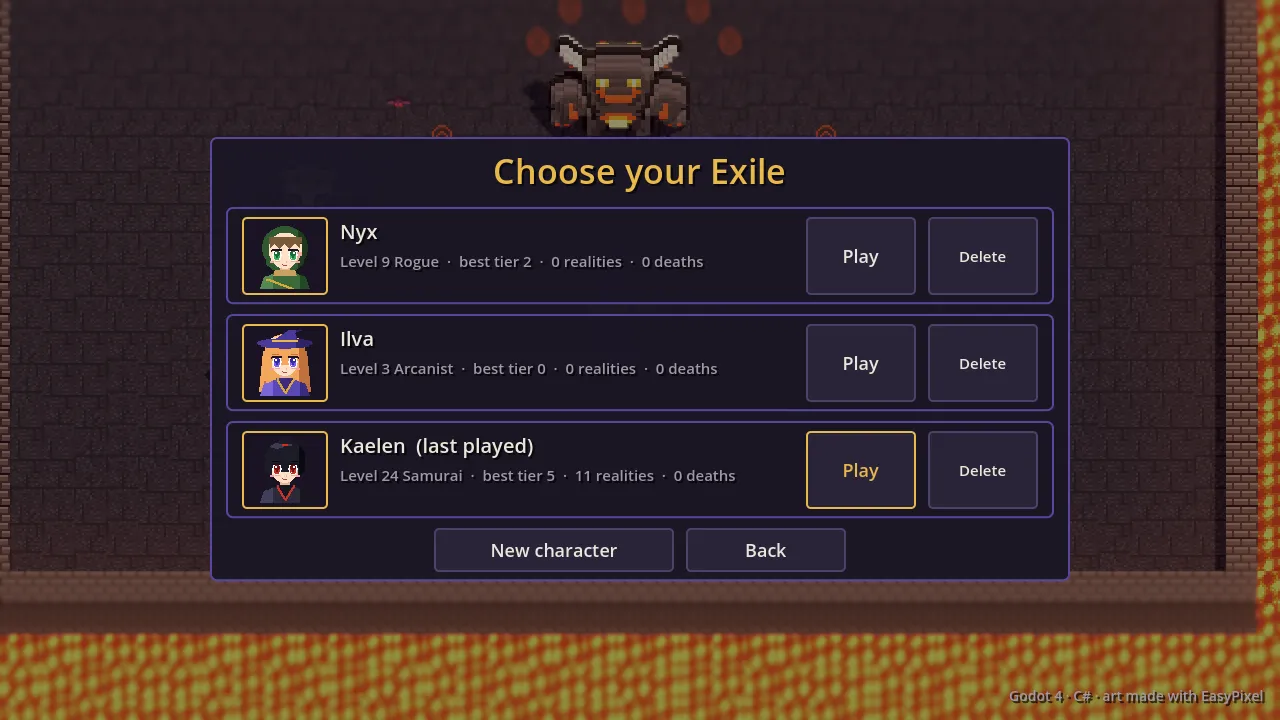
Later, for the launcher art, a joint-based rig paints figures from joints (tapered limbs, flowing hair, capes), and characters now have front, back and profile sheets and face where they move or aim.
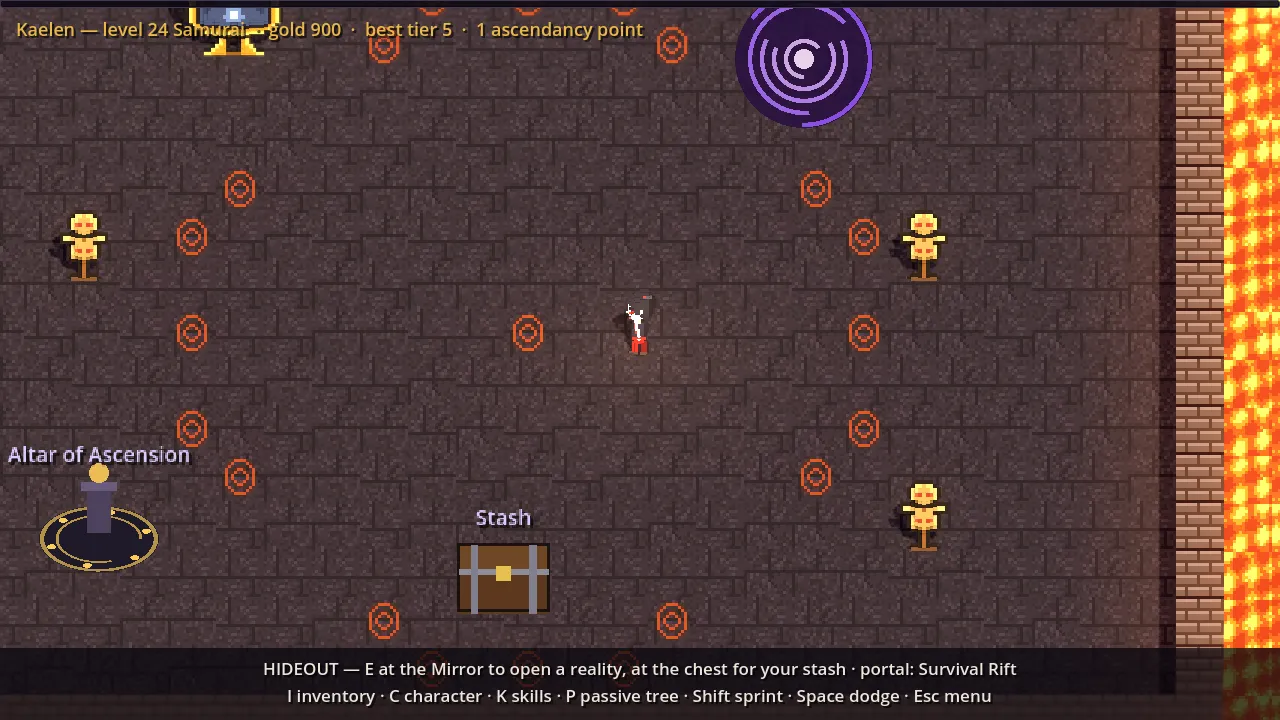
A name, a launcher, and what broke
The repo went public, so the game dropped its provisional title everywhere for the placeholder “ARPG Game”, and a small migration copies old saves. Builds are published by a GitHub Actions workflow, and a tiny .NET Framework launcher installs and updates the game from the latest release (the rejected options for distribution are in distribution).
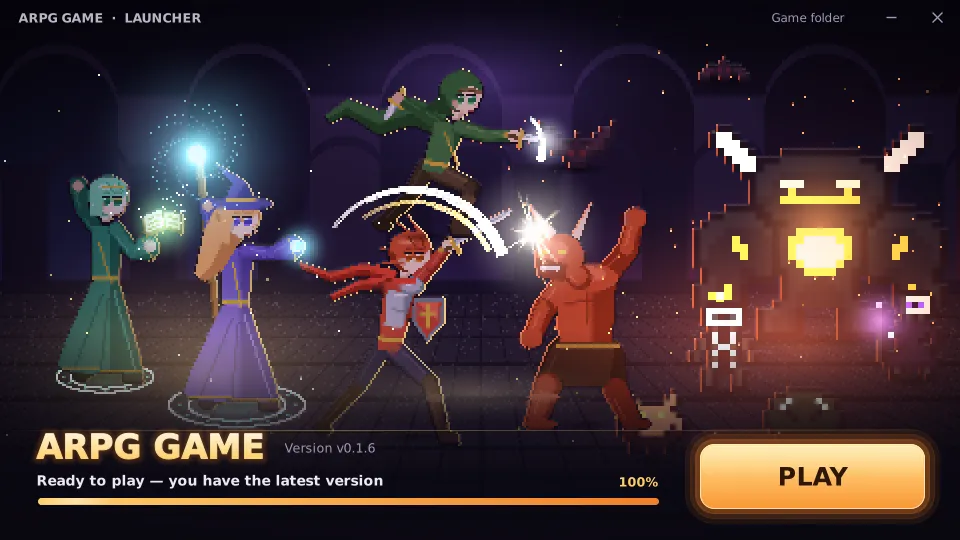
The first real launcher run hit a 404: a PR merge had just published a release whose files were still uploading, and the “latest” link pointed at it during that window. The launcher now asks the releases API for the newest release that already has its zip. The launcher 2.0 became a borderless, custom-drawn window over key art generated from the game’s sprites; a first draft with a literal “VS” over a rift of light was too on the nose, so it became a fight instead.
Flasks and a HUD from a reference
Flasks arrived as planned in the items design: Q drinks the life flask, R the mana flask, three charges each, and red orbs now refill charges instead of healing directly. The owner sent a screenshot of another game’s HUD as a reference, so vitals became one bottom-centre cluster: life and mana meeting at a hexagonal level badge with an XP ring, flasks as bottles, dodge diamonds and the skill row. The first draft spammed “triangulation failed”, because the bottle’s liquid polygon had repeated points; a proper circular segment fixed it.
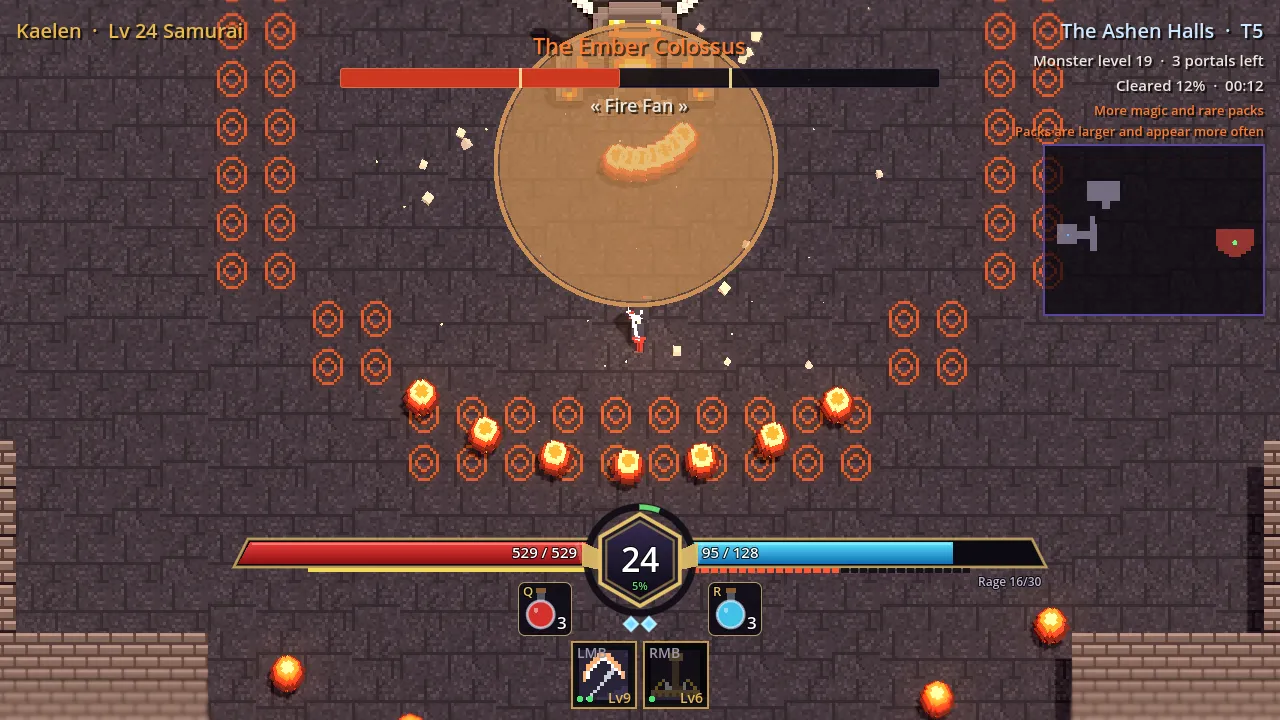
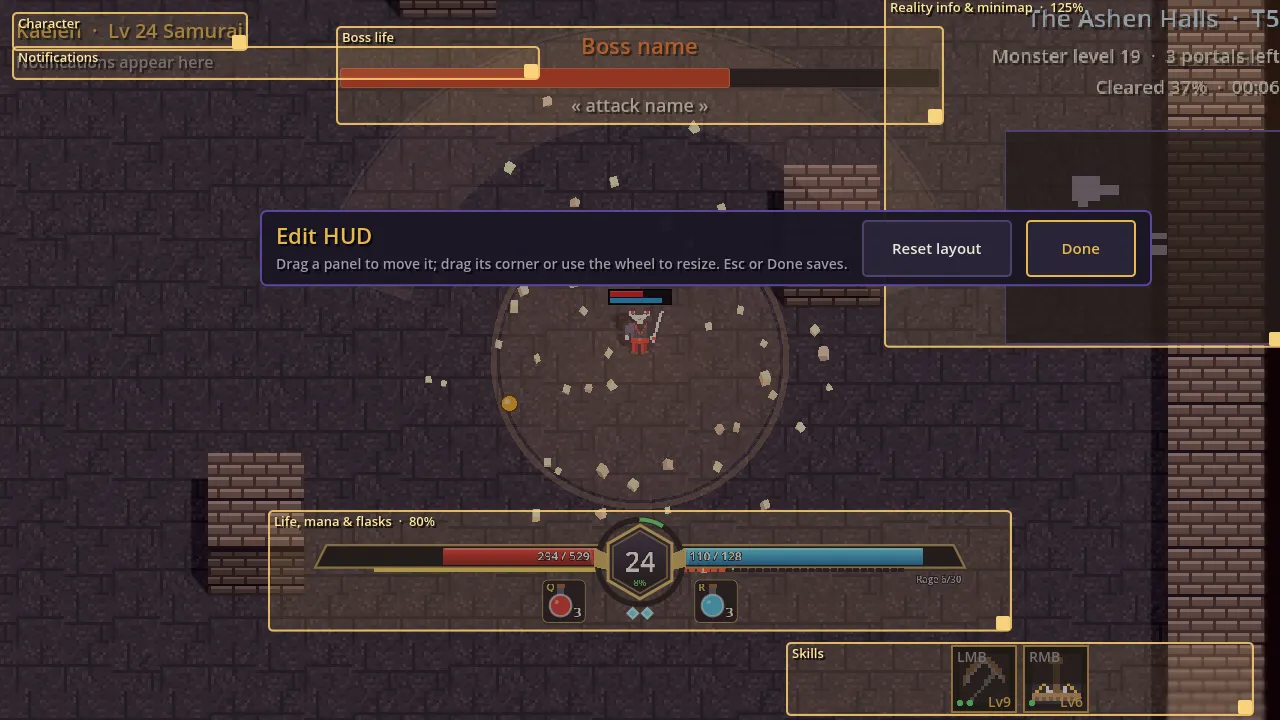
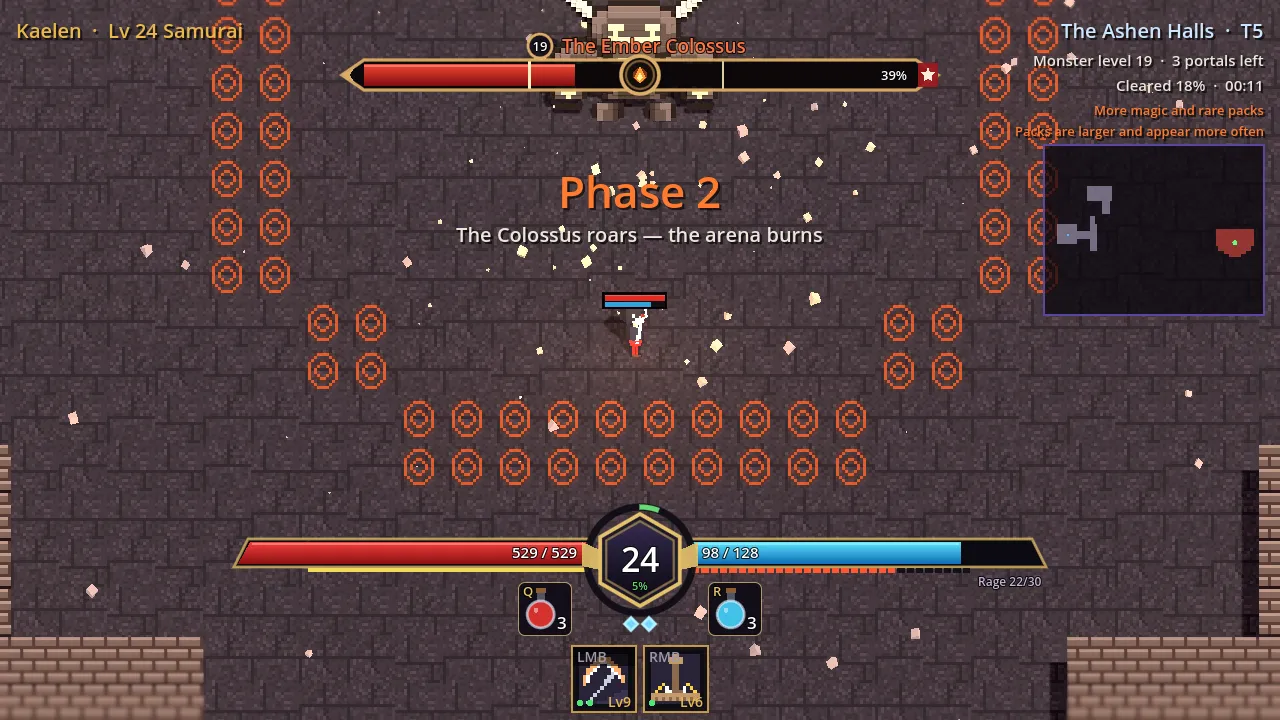
Then the HUD became the player’s: Esc, Edit HUD frames every movable panel and lets you drag it, resize it from 50 to 200 % with a corner grip or mouse wheel, and the offsets are saved per panel. Tab opens a big see-through map. A small life/mana bar floats over the character. The boss bar became a target frame with rarity-coloured name, phase marks, a damage trail, modifier tags, a cast bar and ailments; the cast bar’s timing comes for free, because bosses already record the window of their pending telegraphs.
A headless-testing lesson from the Tab map: the headless display server has no
window to deliver input events, so Input.ParseInputEvent never reaches nodes
there. The test toggles the overlay directly and lets it draw.